Unlocking Growth: The Definitive Guide to Choosing the Best ERP Software for Small Businesses
In the dynamic landscape of modern business, small enterprises often find themselves juggling multiple systems, spreadsheets, and manual processes to manage their operations. While this patchwork approach might suffice in the very early stages, it quickly becomes a bottleneck to growth, efficiency, and informed decision-making. This is where Enterprise Resource Planning (ERP) software steps in – no longer an exclusive domain of large corporations, but a powerful tool that can transform the fortunes of small businesses.
This comprehensive guide will demystify ERP for small business owners, explain its profound benefits, walk you through the critical considerations for selection, and review some of the top ERP software solutions tailored for the unique needs of growing companies.
What is ERP and Why is it Essential for Small Businesses?
At its core, ERP software is an integrated suite of applications that a business can use to manage and automate many back-office functions related to technology, services, and human resources. Think of it as the central nervous system of your business, connecting disparate departments and processes into a single, cohesive system.
Traditionally, small businesses might use separate software for accounting (e.g., QuickBooks), customer relationship management (CRM), inventory management, human resources, and project tracking. This often leads to:
- Data Silos: Information is scattered across different systems, making it hard to get a unified view of the business.
- Manual Data Entry: Duplication of effort and increased risk of errors.
- Inefficiency: Time wasted on reconciling data and switching between applications.
- Lack of Real-time Insights: Delayed or incomplete data hinders agile decision-making.
An ERP system addresses these challenges by consolidating all critical business functions into a single database and platform. Key modules typically include:
- Financial Management: General ledger, accounts payable/receivable, budgeting, reporting.
- Customer Relationship Management (CRM): Sales, marketing, customer service, lead management.
- Inventory Management: Tracking, purchasing, warehousing, order fulfillment.
- Supply Chain Management (SCM): Supplier management, logistics.
- Human Resources (HR): Payroll, employee records, benefits, performance management.
- Project Management: Task tracking, resource allocation, time management.
- Manufacturing: Production planning, shop floor control, quality management.
- E-commerce: Online store integration, order processing.
The Transformative Benefits for Small Businesses:
While often perceived as complex and expensive, the right ERP system offers immense value to small businesses:
- Improved Efficiency and Automation: Automates repetitive tasks, reduces manual data entry, and streamlines workflows across departments. This frees up valuable time for employees to focus on more strategic activities.
- Enhanced Data Visibility and Decision-Making: Provides a real-time, 360-degree view of your business operations. With all data centralized, owners and managers can access accurate reports and analytics to make informed, data-driven decisions quickly.
- Cost Reduction: By optimizing processes, reducing errors, and improving resource utilization, ERP can significantly lower operational costs. It also helps in identifying inefficiencies and waste.
- Scalability for Growth: A robust ERP system is designed to grow with your business. As your company expands, adds new product lines, or enters new markets, the ERP can accommodate increased data volumes and complex operations without needing to overhaul your core systems.
- Better Customer Satisfaction: With integrated CRM and inventory modules, you can track customer interactions, manage orders more efficiently, and ensure timely deliveries, leading to happier customers and repeat business.
- Regulatory Compliance and Security: ERP systems help small businesses maintain compliance with industry regulations and financial reporting standards. Centralized data also allows for better security controls and audit trails.
- Competitive Advantage: By operating more efficiently and making smarter decisions, small businesses can better compete with larger enterprises, offering faster service, better prices, or more innovative products.
Key Considerations When Choosing an ERP for Small Businesses
Selecting the right ERP is a significant investment and a critical decision. Small businesses must approach this process strategically, keeping their unique constraints and aspirations in mind.
-
Define Your Needs and Goals:
- What are your biggest pain points? (e.g., inventory management, financial reporting, lead tracking).
- What specific processes do you want to improve or automate?
- What are your long-term growth objectives?
- Involve key stakeholders from different departments to gather comprehensive requirements.
-
Budget: Total Cost of Ownership (TCO):
- Beyond the initial license or subscription fee, consider costs for:
- Implementation: Consulting services, data migration, configuration.
- Customization: If the out-of-the-box solution doesn’t fully meet your needs.
- Training: For all users.
- Hardware (for on-premise): Servers, networking.
- Ongoing Support and Maintenance: Annual fees, software updates.
- Cloud-based (SaaS) ERPs typically have lower upfront costs but recurring subscription fees.
- Beyond the initial license or subscription fee, consider costs for:
-
Deployment Model: Cloud (SaaS) vs. On-Premise:
- Cloud (SaaS): Hosted by the vendor, accessible via web browser.
- Pros for small businesses: Lower upfront cost, no hardware to maintain, automatic updates, accessible from anywhere, faster deployment.
- Cons: Less control over infrastructure, reliance on internet connectivity, subscription model.
- On-Premise: Installed and managed on your own servers.
- Pros: Full control over data and customization, no internet dependency.
- Cons for small businesses: High upfront cost, requires IT staff, slower deployment, responsible for maintenance and updates.
- Recommendation: For most small businesses, cloud-based ERP offers the best balance of cost-effectiveness, accessibility, and scalability.
- Cloud (SaaS): Hosted by the vendor, accessible via web browser.
-
Scalability:
- Will the ERP system be able to handle your business’s growth over the next 5-10 years? Can it easily add more users, modules, and transactions? Avoid systems that you’ll quickly outgrow.
-
Ease of Use and User Adoption:
- A powerful system is useless if your employees can’t or won’t use it. Look for intuitive interfaces, clear navigation, and good user experience. Minimal training should be required for basic functions.
-
Customization and Flexibility:
- How easily can the software be configured or customized to fit your unique workflows without breaking the bank? Some industries have specific requirements that off-the-shelf solutions might not fully address.
-
Integration Capabilities:
- Can the ERP seamlessly integrate with your existing critical tools (e.g., e-commerce platforms, payment gateways, specialized industry software)? Look for robust APIs (Application Programming Interfaces).
-
Vendor Reputation and Support:
- Investigate the vendor’s track record, customer reviews, and the quality of their support. Will they be a reliable partner through implementation and beyond? What kind of training and documentation do they provide?
-
Implementation Timeline and Complexity:
- Understand the typical implementation duration and the resources (internal and external) required. Small businesses often benefit from phased implementations or simpler, more standardized rollouts.
Top ERP Software Solutions for Small Businesses
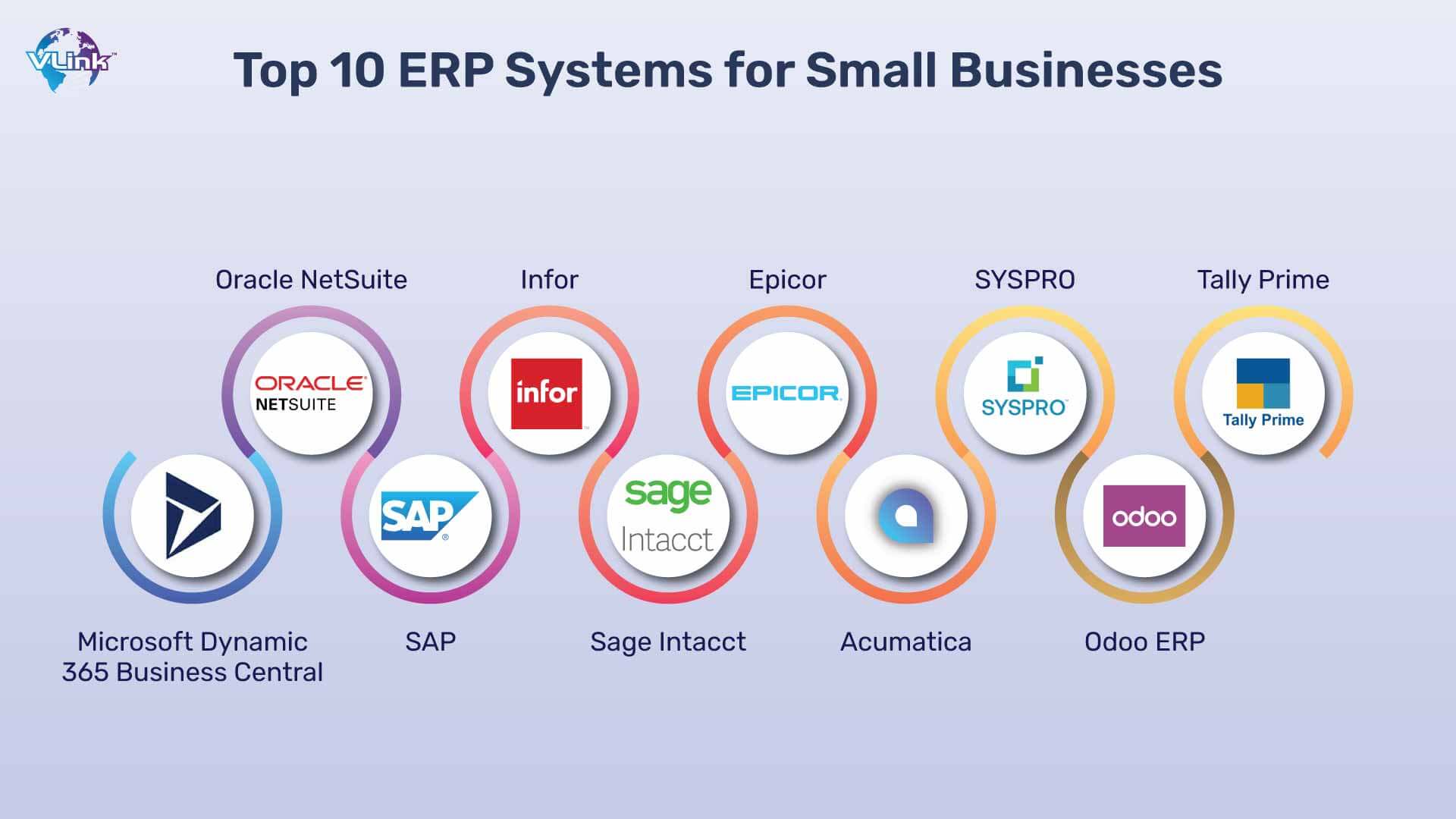
While the "best" ERP depends entirely on your specific needs, here are some leading solutions well-regarded for small to mid-sized businesses:
1. Oracle NetSuite ERP
- Overview: NetSuite is a comprehensive, cloud-native ERP system that offers a full suite of functionalities, including financial management, CRM, e-commerce, inventory, and professional services automation. It’s often considered a step up for growing small businesses that are becoming mid-market.
- Strengths for Small Businesses: Highly scalable, integrates all core business processes, robust reporting and analytics, supports multi-currency and multi-subsidiary operations, strong for companies with complex needs or rapid growth trajectories.
- Considerations: Can be more expensive and complex to implement than simpler solutions. Requires a significant commitment to customization and training.
- Best For: Ambitious, fast-growing small businesses with diverse operations (e.g., e-commerce, professional services, manufacturing, wholesale distribution) that anticipate becoming mid-market players.
2. SAP Business One
- Overview: Designed specifically for small and mid-sized businesses, SAP Business One offers a complete suite of business management functions, including financials, sales, customer relationships, inventory, and operations. It’s available both on-premise and in the cloud.
- Strengths for Small Businesses: Comprehensive features, strong industry-specific functionality (via add-ons), robust reporting, good for businesses that need a powerful, globally recognized solution.
- Considerations: Can be perceived as complex for very small businesses; implementation often requires expert partners.
- Best For: Small businesses with growing operational complexity, especially those in manufacturing, wholesale distribution, or retail, that value a well-established global brand and industry-specific capabilities.
3. Microsoft Dynamics 365 Business Central
- Overview: Part of the larger Microsoft Dynamics 365 ecosystem, Business Central is an all-in-one business management solution designed for small and medium-sized organizations. It manages financials, sales, service, and operations.
- Strengths for Small Businesses: Seamless integration with other Microsoft products (Office 365, Power BI), user-friendly interface familiar to Microsoft users, flexible deployment options (cloud or on-premise), good for businesses already invested in the Microsoft ecosystem.
- Considerations: Customization can sometimes require development expertise; pricing can vary significantly based on modules and users.
- Best For: Small businesses that are already using Microsoft products and want an integrated solution for financial management, operations, and customer service. It’s suitable for a wide range of industries.
4. Acumatica Cloud ERP
- Overview: Acumatica is a true cloud ERP solution known for its flexible licensing model (you pay for the resources you use, not per user), which can be very appealing to growing small businesses with fluctuating user counts. It offers modules for financials, distribution, manufacturing, project accounting, and CRM.
- Strengths for Small Businesses: Highly flexible and scalable, robust industry-specific functionality (especially for manufacturing and distribution), excellent reporting and customization options, pay-per-resource licensing.
- Considerations: Less brand recognition than SAP or Microsoft; implementation often requires a knowledgeable partner.
- Best For: Small to mid-sized businesses in manufacturing, distribution, retail, and services that need a flexible, cloud-native solution with strong industry-specific capabilities and appreciate value-based licensing.
5. Odoo
- Overview: Odoo is an open-source suite of business management software tools including, but not limited to, CRM, e-commerce, billing, accounting, manufacturing, warehouse, project management, and inventory management. Its modular design allows businesses to start small and add functionality as needed.
- Strengths for Small Businesses: Highly customizable due to its open-source nature, very cost-effective (especially the community edition), extensive app store for added functionality, strong for businesses that want maximum flexibility and control.
- Considerations: Requires more technical expertise for implementation and customization; support relies heavily on the community or paid third-party partners; enterprise version has subscription fees.
- Best For: Small businesses with some technical prowess or access to developers, who need a highly customizable and cost-effective solution, particularly those in e-commerce, services, or light manufacturing.
6. Sage Intacct (or other Sage products)
- Overview: Sage offers a range of ERP and accounting solutions. Sage Intacct is a cloud-based financial management system often recognized for its strong multi-entity and multi-dimensional accounting capabilities, making it ideal for growing businesses or those with complex financial structures.
- Strengths for Small Businesses: Best-in-class financial management, strong for professional services, SaaS companies, and non-profits, robust reporting and analytics, highly scalable for financial operations.
- Considerations: Primarily focused on financials, so might require integrations for full ERP functionality (CRM, SCM, etc.); can be a higher price point for just accounting.
- Best For: Small businesses that prioritize robust financial management and reporting, especially those in professional services, SaaS, or with multiple entities, who may integrate other systems for non-financial functions.
7. Zoho One
- Overview: While not a traditional monolithic ERP, Zoho One is a comprehensive suite of over 40 integrated business applications that collectively function as an ERP for small to medium businesses. It covers sales, marketing, support, finance, HR, and operations.
- Strengths for Small Businesses: Incredible value for money, all-in-one suite with seamless integration between apps, easy to learn and use, strong for businesses looking for a complete ecosystem of tools.
- Considerations: Individual apps might not have the depth of a specialized, enterprise-grade solution; integration within the Zoho ecosystem is strong, but external integrations might vary.
- Best For: Very small businesses and startups looking for a comprehensive, affordable, and easy-to-use suite of integrated business applications without the complexity of a traditional ERP implementation.
The ERP Implementation Journey for Small Businesses
Choosing the software is just the first step. A successful ERP implementation requires careful planning and execution:
- Project Planning: Define scope, set realistic timelines, allocate resources, and establish a dedicated project team.
- Data Migration: Clean, transform, and transfer your existing data into the new ERP system. This is often the most challenging part.
- Configuration & Customization: Tailor the system to your specific workflows and business rules.
- User Training: Provide comprehensive training to all users to ensure adoption and proficiency.
- Testing: Thoroughly test all functionalities, integrations, and workflows before going live.
- Go-Live & Post-Implementation Support: Launch the system and have support available for immediate issues and ongoing optimization.
Common Challenges and How to Overcome Them
- Budget Overruns: Stick to your budget by prioritizing essential features and avoiding unnecessary customizations.
- Resistance to Change: Communicate the benefits clearly, involve employees in the process, and provide thorough training.
- Data Quality Issues: Dedicate time to data cleansing before migration.
- Scope Creep: Define the project scope clearly from the outset and stick to it.
- Lack of Internal Expertise: Consider hiring external consultants or working closely with your chosen ERP vendor’s implementation partners.
Conclusion
For small businesses aiming for sustainable growth, efficiency, and data-driven decision-making, investing in the right ERP software is no longer a luxury but a strategic imperative. By consolidating operations, automating processes, and providing real-time insights, an ERP system empowers small businesses to overcome operational hurdles, scale effectively, and enhance their competitive edge.
The journey of selecting and implementing an ERP can seem daunting, but by carefully assessing your unique needs, understanding the total cost of ownership, and evaluating the strengths of various solutions, you can make an informed decision that will unlock significant value for your business for years to come. Embrace the power of integration and set your small business on a clear path to remarkable growth and success.
Leave a Reply